British Console-style Workflow
An intuitive HPF / LOW / MID / HIGH layout inspired by classic British console EQ workflows, designed for quick access to the bands that matter.

PRISM EQ / CLASSIC
WINDOWS x64 VST3
Inspired by Neve 1073-style British console EQs, a PRISM interpretation of their workflow and character, combining a focused band layout with a large spectrum display for fast, musical tone shaping.
Hear it: vocal and drum comparisonsDownloads and full version sales are paused while we update our systems. They will resume as soon as everything is ready.
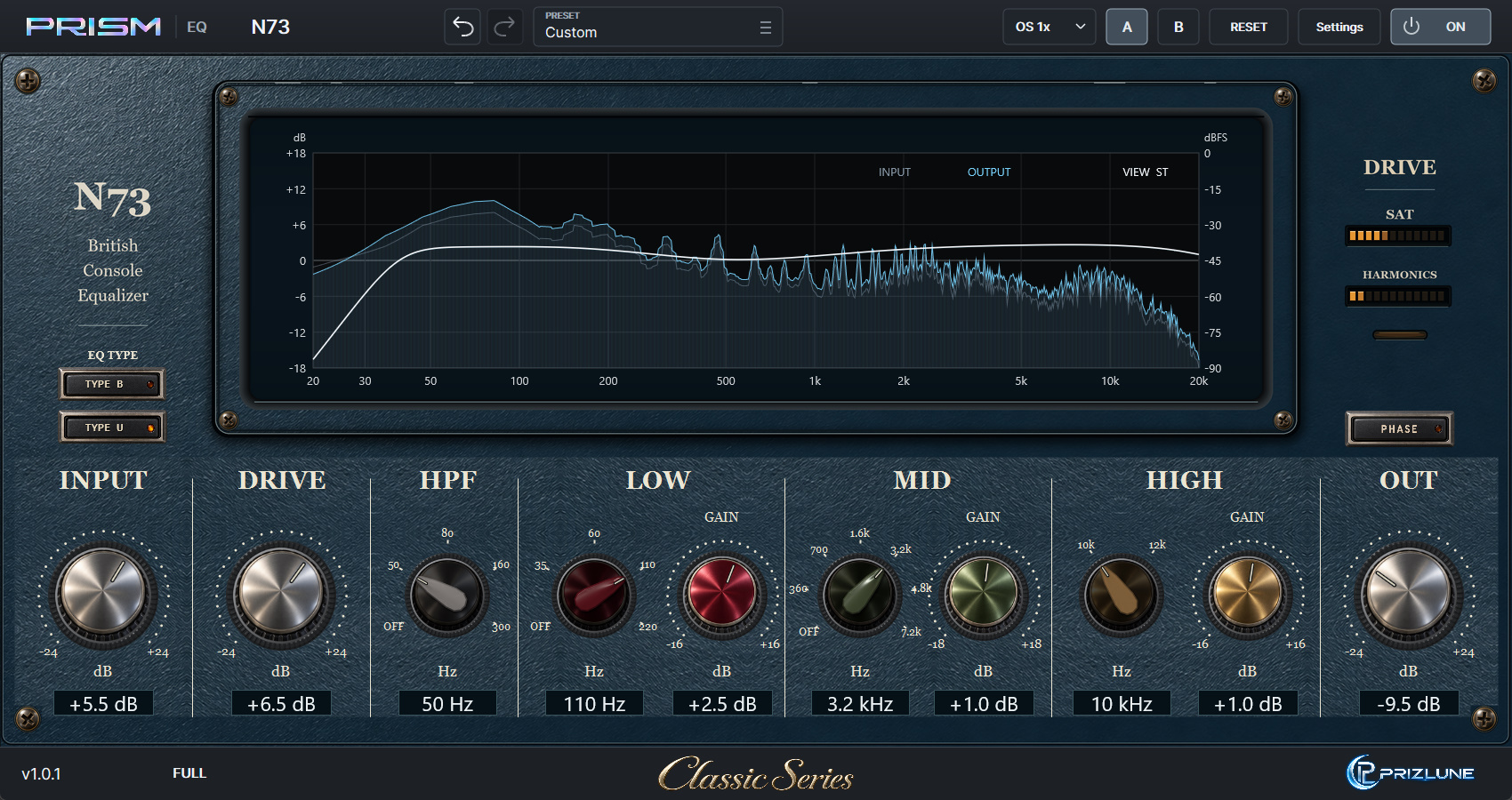
* Images show development builds and may differ from the released product.
* Neve is a trademark of AMS Neve Ltd. Prizlune is not affiliated with, licensed by or endorsed by AMS Neve. The name is used only to identify the type of equipment that informed the design; this product does not fully reproduce its sound or functions.
LISTEN
Hear the same source through different N73 settings. Switching keeps the playback position, and TYPE B / U can be switched on the fly.
The audio could not be loaded. Please try again later.
KEY FEATURES
An intuitive HPF / LOW / MID / HIGH layout inspired by classic British console EQ workflows, designed for quick access to the bands that matter.
Switch between TYPE B and TYPE U with one button. At the same frequency and GAIN, the bandwidth, the shelf shape and how bands combine change. DRIVE colouration is shared, so you hear only the difference in EQ character.
Independent INPUT, DRIVE and final OUT controls let you adjust incoming level, drive character and final level on one screen.
HPF / LOW / MID / HIGH use focused stepped frequency choices. LOW and MID also include OFF positions for a simple, deliberate workflow.
View the EQ curve together with Input / Output spectrum data on a large central display, making it easy to visually confirm changes while working by ear.
Use the PHASE button to invert signal polarity when comparing layered or multi-mic sources.
Oversampling options let you balance processing quality and CPU load according to the session.
DOWNLOAD / BUY
Downloads and full version sales are paused while we update our systems. They will resume as soon as everything is ready.
Format: Windows x64 / VST3.